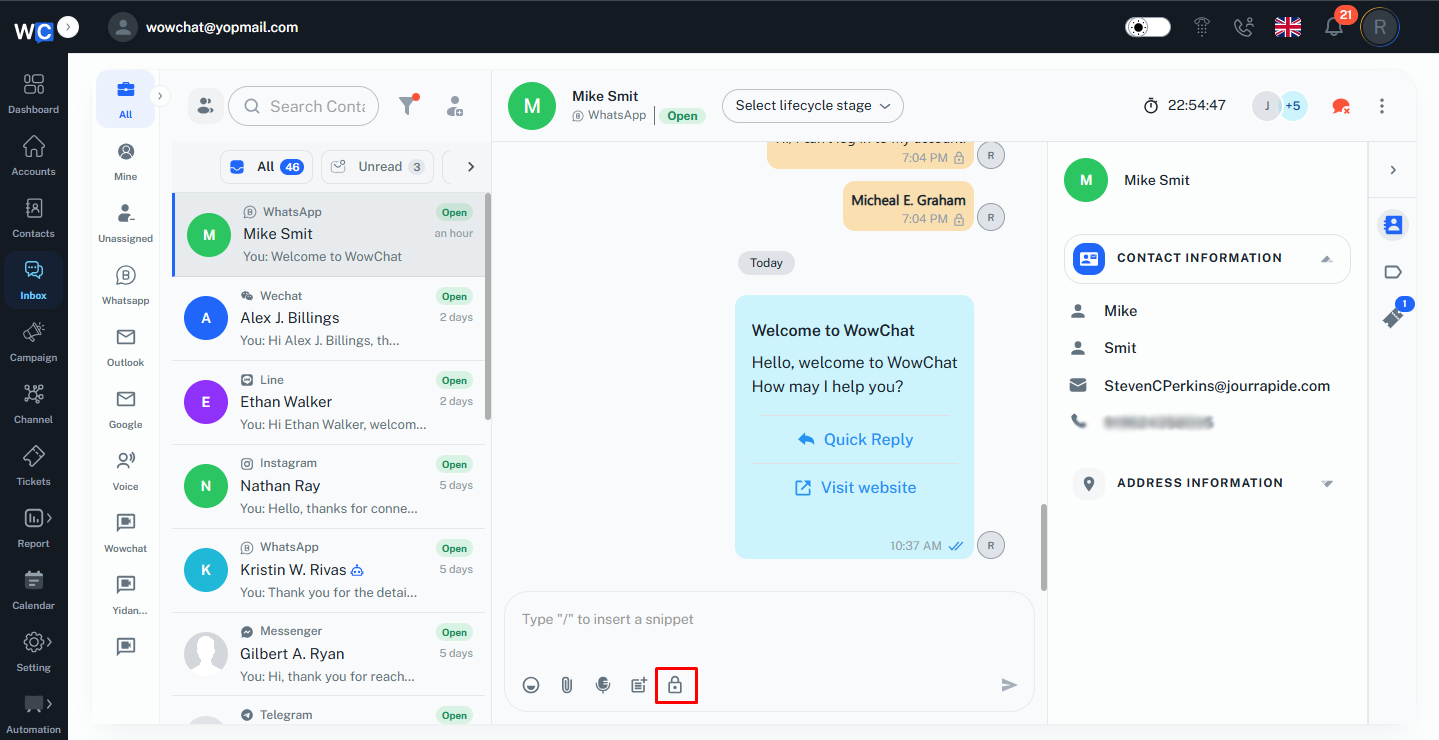
The admin can add private notes to a conversation to share updates, provide context, or record important information related to a customer interaction.
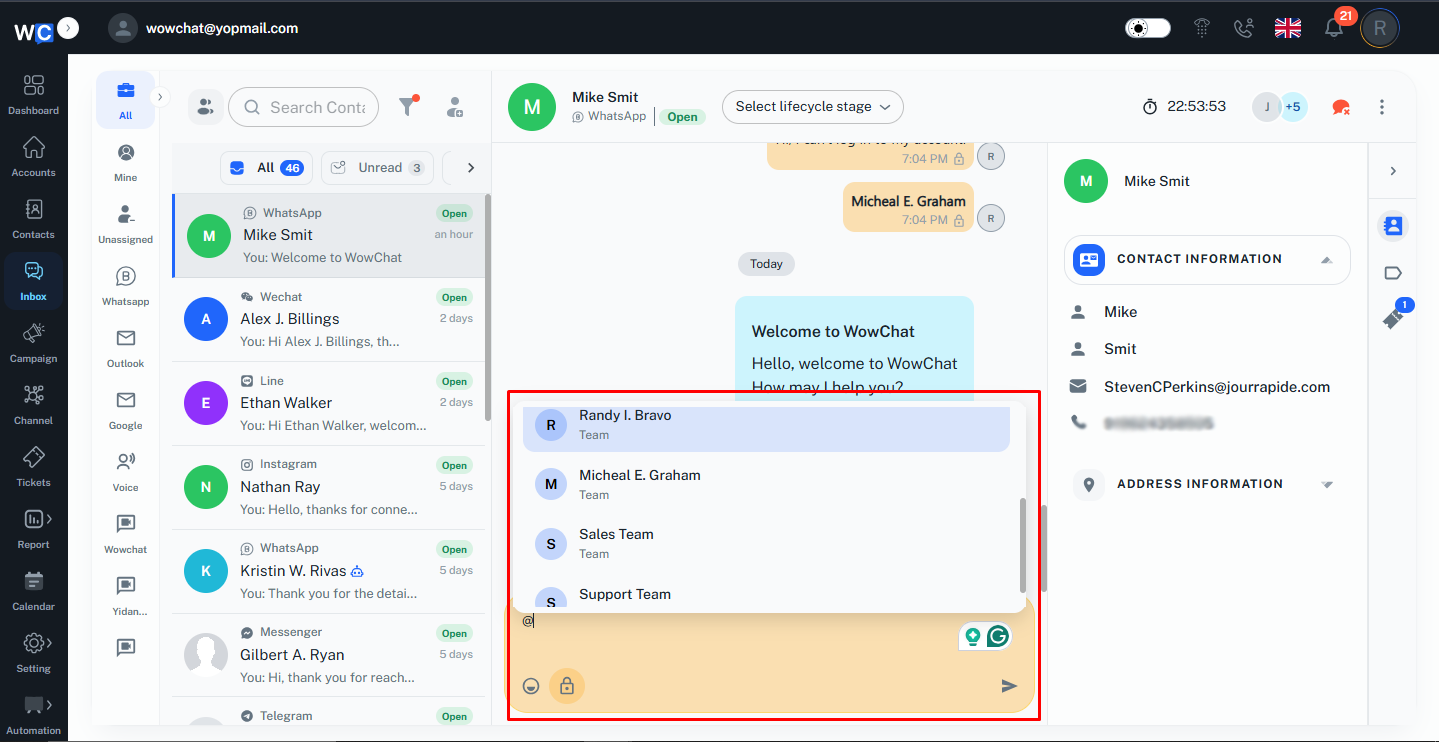
Using @mentions, the admin can notify specific team members directly within an internal note. This helps teams communicate efficiently, request assistance, share information, and ensure that the right person is informed about important conversations. Internal notes and mentions remain visible only to authorized team members and are never sent to the customer.
Key Actions
- Add private notes to conversations.
- Mention team members using @mentions.
- Share important updates internally.
- Request assistance from colleagues.
- Keep conversation-related information organized.
- Collaborate without notifying the customer.
Frequently Asked Questions (FAQs)
Internal notes are used to share information, updates, and comments with team members without sending them to the customer.