Instead of switching between different applications to respond to customers, WowChat brings all your conversations, contacts, teams, and communication tools together in one place. Whether your customers reach out through WhatsApp, Instagram, Facebook Messenger, Telegram, Email, or Website Live Chat, WowChat helps your team stay connected, organized, and productive.
This overview introduces the main areas of the platform and helps you understand how they work together to deliver a seamless customer communication experience.
Understanding the WowChat Platform
WowChat is built around a collection of modules that work together to simplify customer engagement and team collaboration.
Inbox
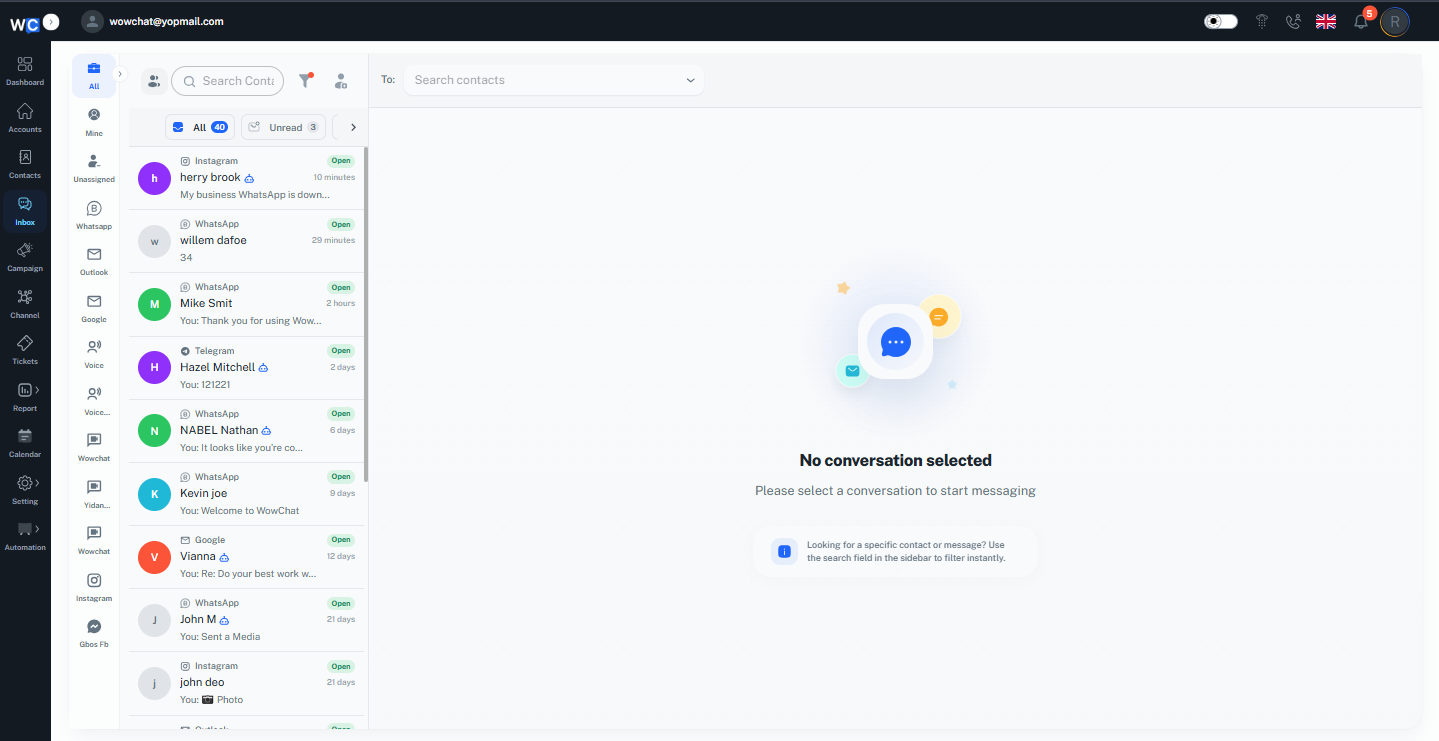
The Inbox is the central hub of WowChat, where all customer conversations are collected and managed.
Instead of checking multiple platforms throughout the day, agents can view, manage, and respond to messages from a single unified inbox.
With the Inbox, you can:
- View conversations from connected channels
- Reply to customers in real time
- Assign conversations to team members
- Add internal notes for collaboration
- Track conversation status and activity
Contacts
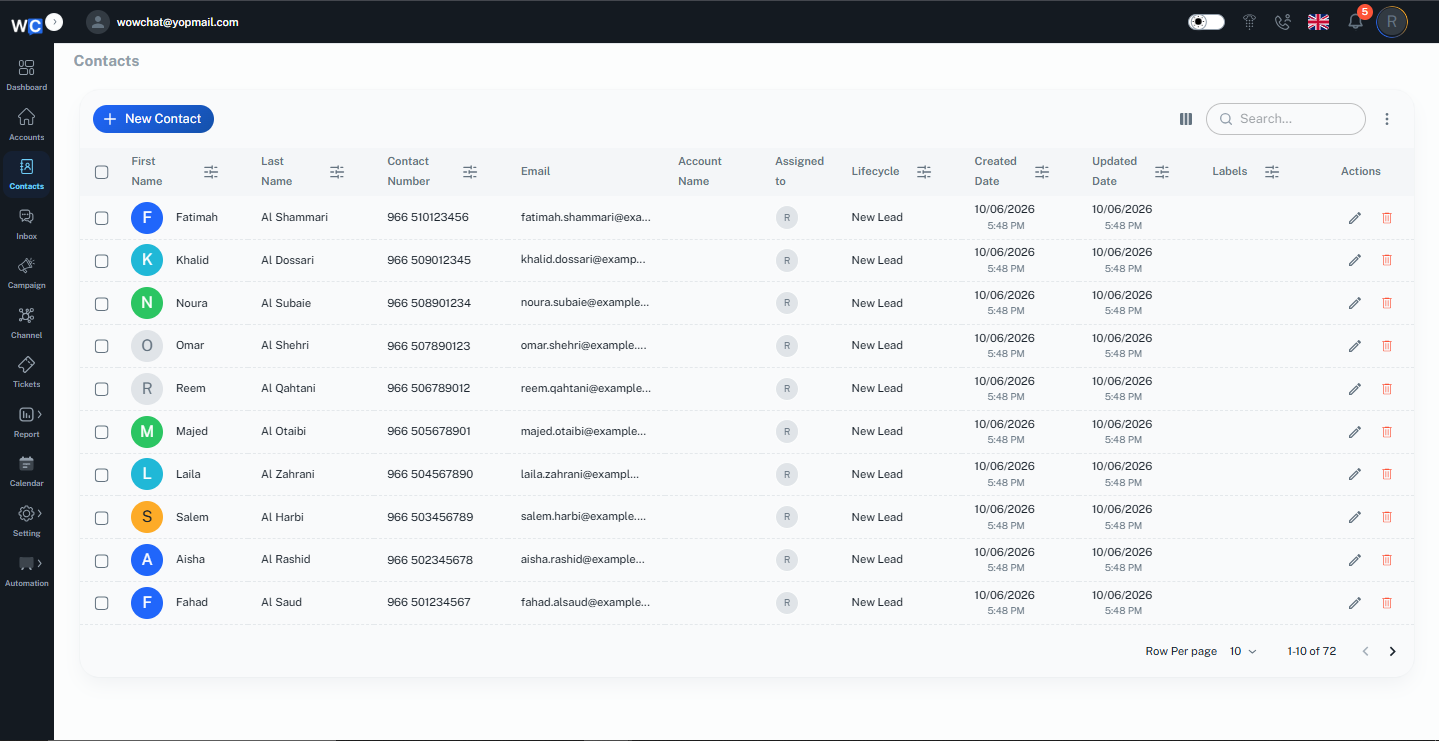
The Contacts module provides a complete view of your customers and their interaction history.
Having customer information readily available helps agents provide faster and more personalized support.
With Contacts, you can:
- View customer profiles
- Access conversation history
- Search and manage contacts
- Understand previous interactions
Channels
The Channels section allows you to connect and manage the communication platforms used by your business.
Once connected, messages from supported channels automatically flow into the Unified Inbox.
Common channels include:
- Facebook Messenger
- Telegram
- Website Live Chat
Team Management
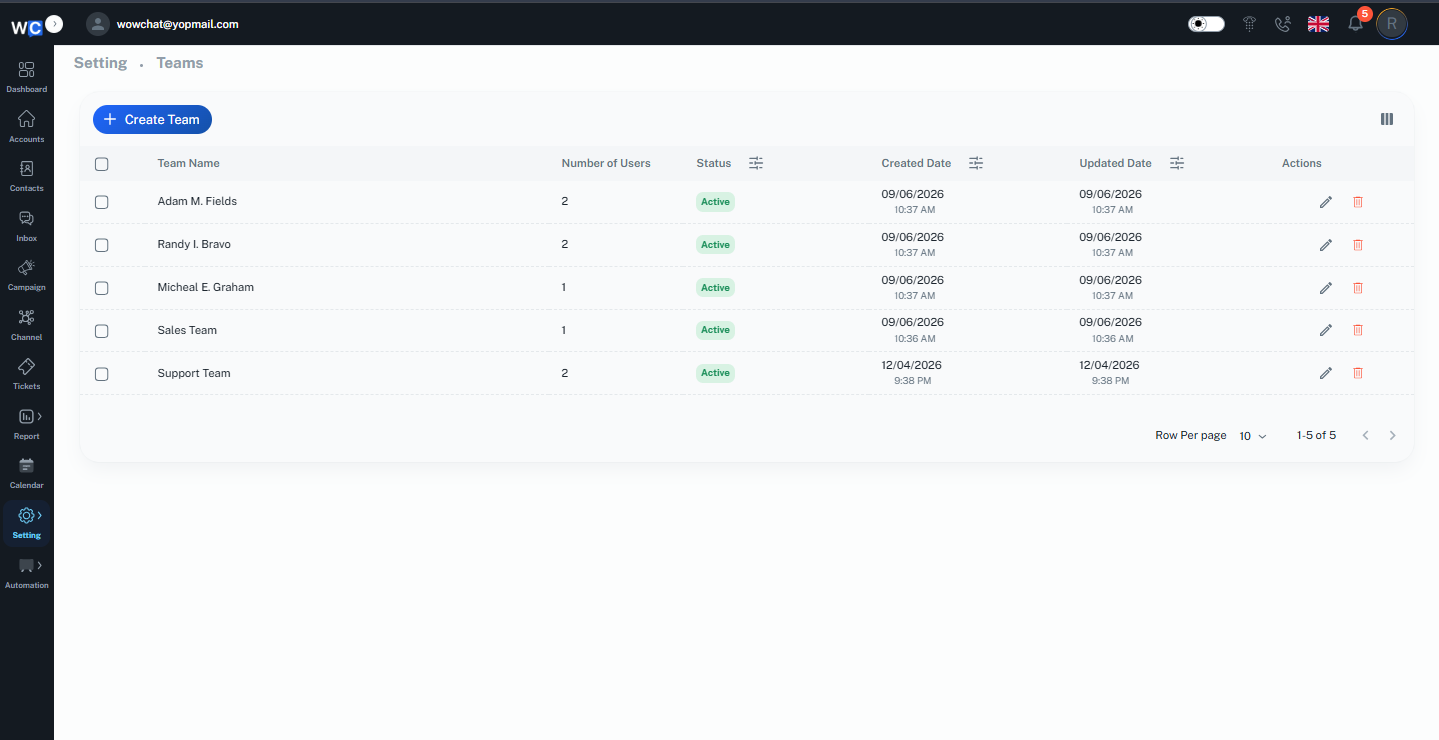
Team Management helps organizations collaborate efficiently by providing control over users, teams, and permissions.
Administrators can:
- Create and manage user accounts
- Organize agents into teams
- Assign roles and permissions
- Control access to platform features
Automation
Automation helps reduce manual effort by streamlining repetitive tasks and conversation workflows.
With automation, you can:
- Automatically assign conversations
- Route messages to the correct teams
- Create workflow rules
- Improve operational efficiency
Analytics & Reporting
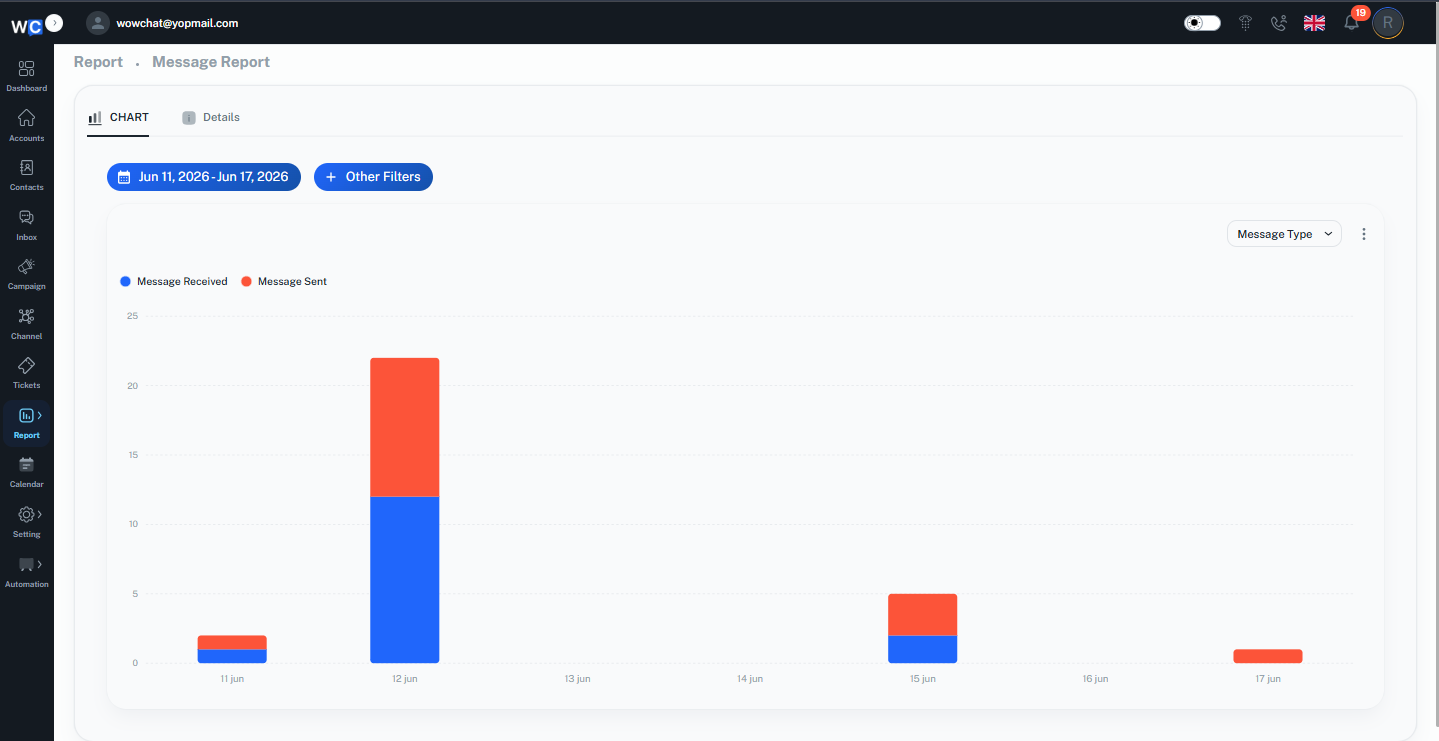
Analytics provides valuable insights into customer communication and team performance.
Track important metrics such as:
- Conversation volume
- Agent activity
- Response times
- Resolution rates
- Customer engagement trends
These insights help teams make informed decisions and continuously improve customer experiences.
Settings
The Settings section allows administrators to configure and customize the platform according to business requirements.
From here, you can manage:
- User preferences
- Channel configurations
- Notifications
- Security settings
- Roles and permissions
- Workflow settings
How Everything Works Together
Every connected communication channel sends customer messages directly into the Unified Inbox.
From there, agents can respond to customers, access contact information, collaborate with teammates, and manage conversations without switching between multiple applications.
Meanwhile, administrators can configure channels, manage users, automate workflows, and monitor performance through analytics and reporting.
This connected workflow helps businesses deliver a more consistent and efficient customer experience.
Benefits of Using WowChat
By bringing communication, collaboration, and reporting into a single platform, WowChat helps businesses:
- Centralize customer communication
- Improve team collaboration
- Reduce response times
- Eliminate missed conversations
- Increase agent productivity
- Gain visibility into customer interactions
- Automate repetitive processes
- Scale support operations with confidence
Frequently Asked Questions (FAQ)
The Platform Overview page provides a high-level introduction to WowChat and explains the key modules and features available within the platform.