Before your team can start handling conversations, you'll need to create and configure your workspace. This setup process ensures that your organization is ready to manage customer interactions efficiently from a single platform.
Creating a workspace is quick and straightforward, allowing you to start communicating with customers in just a few steps.
What is a Workspace?
A workspace is your organization's dedicated environment within WowChat.
It acts as a centralized location where you can:
- Manage customer conversations
- Connect communication channels
- Invite team members
- Configure automation workflows
- Access reports and analytics
- Control user permissions and settings
Each workspace is designed to keep your organization's data, conversations, and configurations organized and secure.
Creating Your Workspace
Follow these steps to create your WowChat workspace and get started with managing customer conversations.
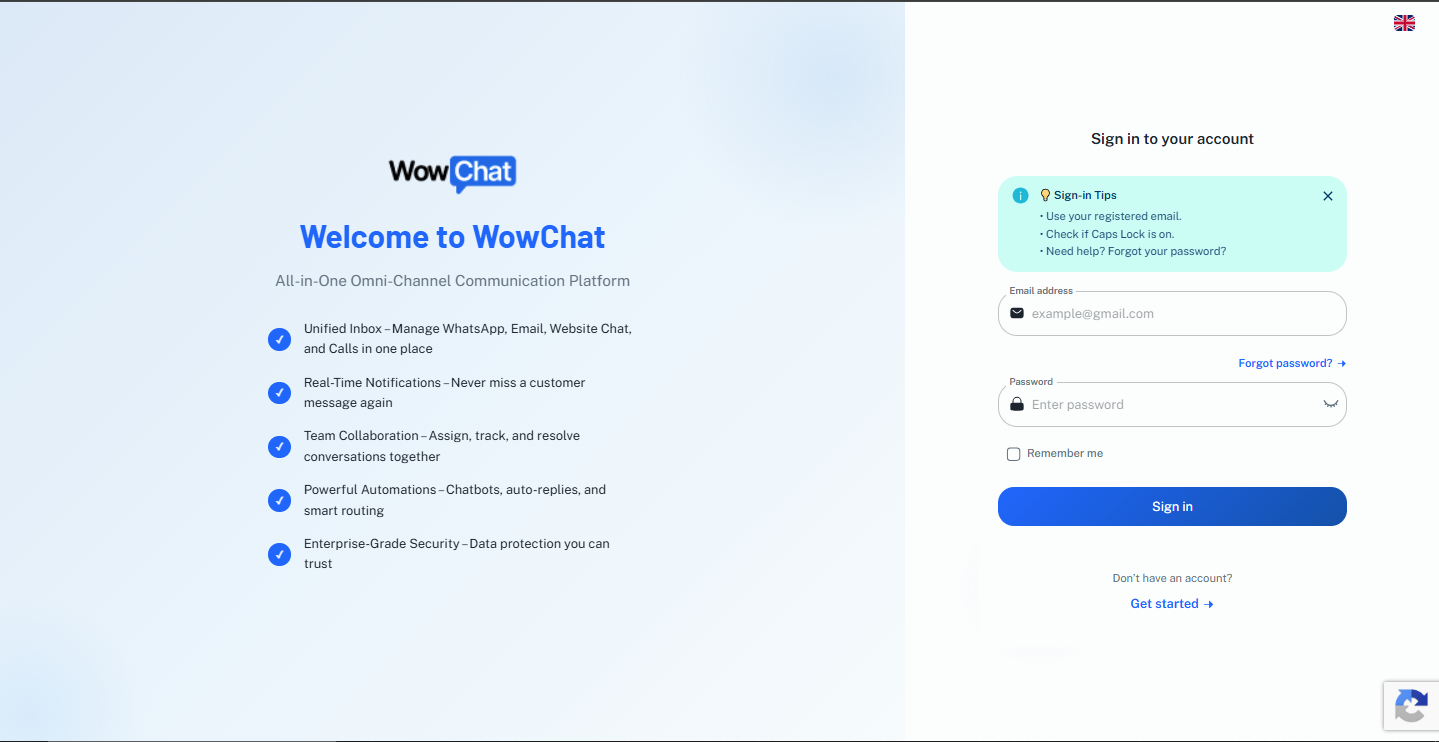
Step 1: Open WowChat
Open the WowChat application in your preferred browser.URL: https://app.wowchat.co/
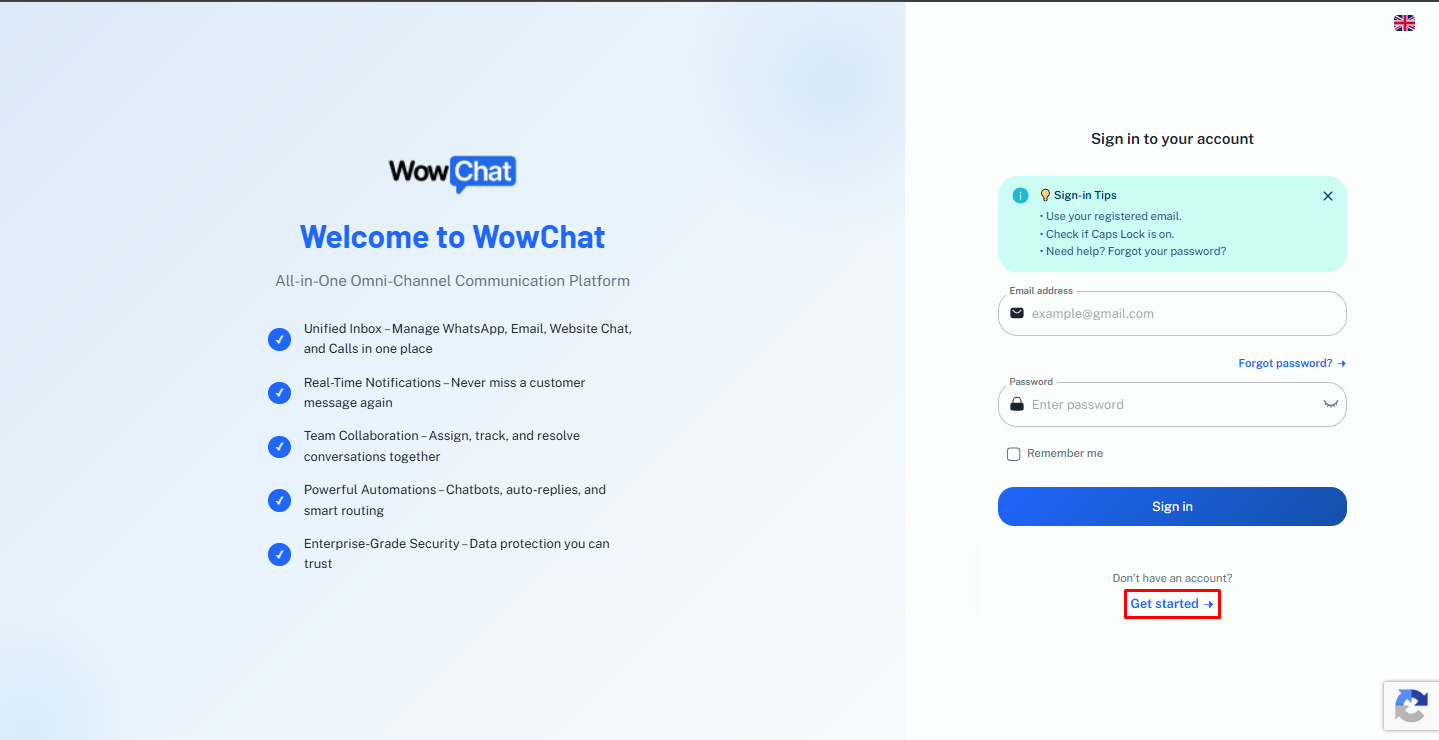
Step 2: Click Get Started
On the login page, click the Get Started button to begin creating your workspace.
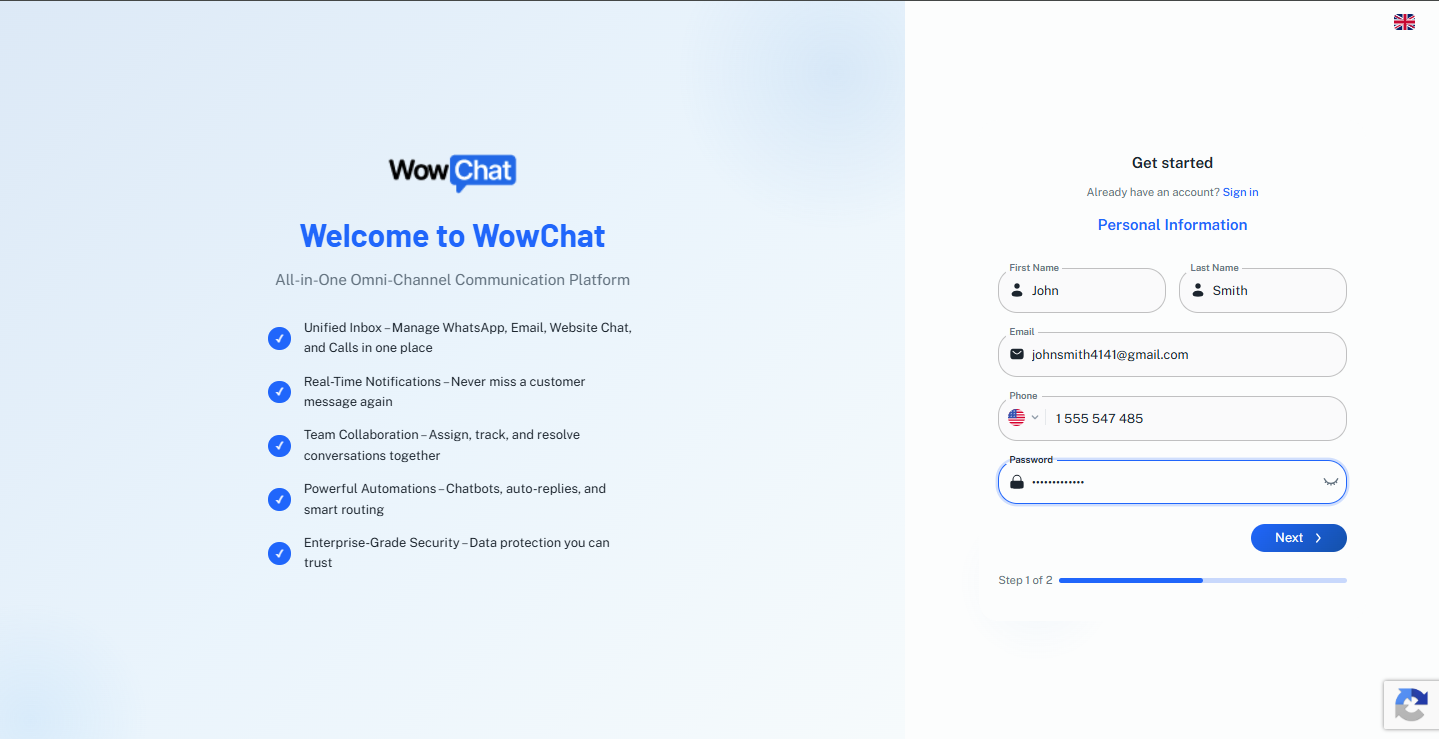
Step 3: Enter Your Personal Information
Provide the required personal details, including:- First Name- Last Name- Email Address- Phone Number- PasswordMake sure all information is entered correctly before proceeding.
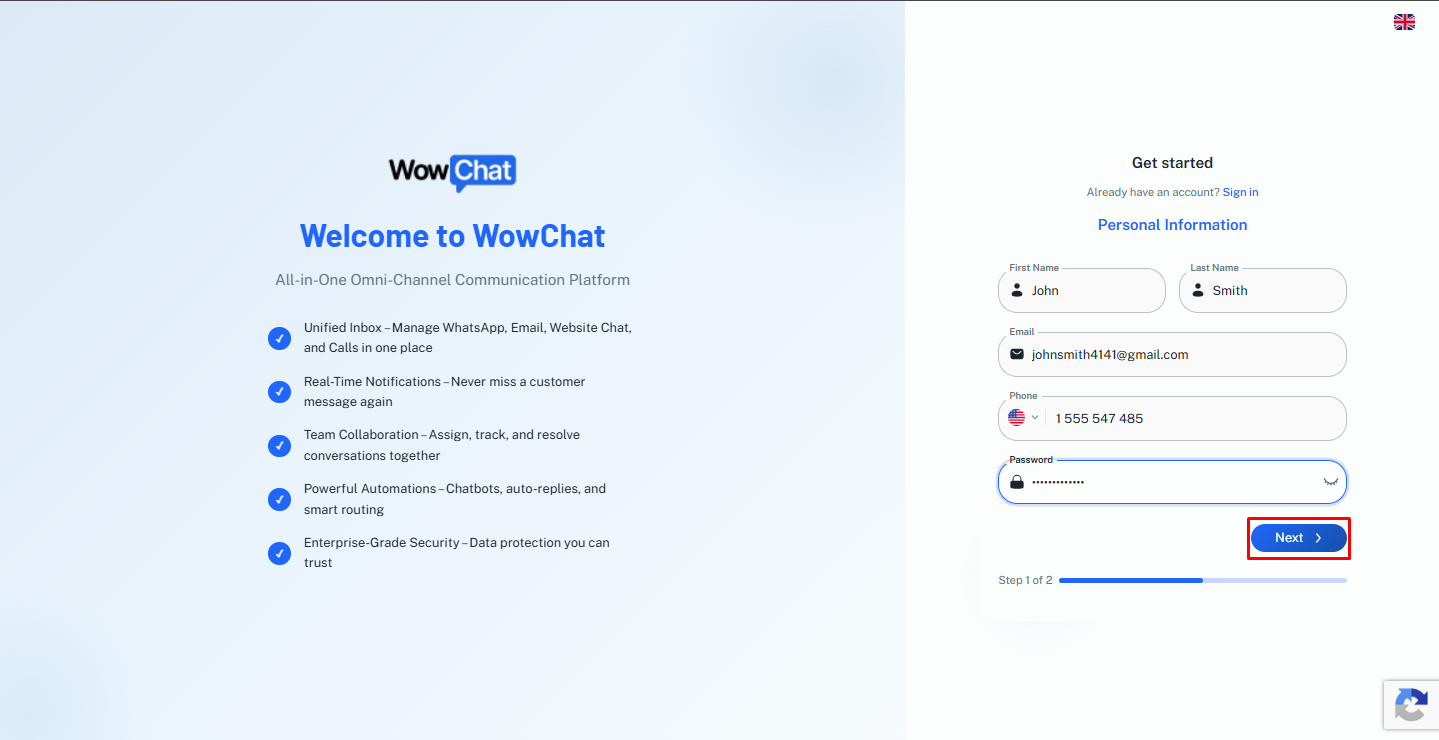
Step 4: Click Next
After completing your personal information, click the Next button to continue to the organization setup process.
Step 5: Enter Company Information
Provide your organization's details, including:- Organization Name- CR Number- Website URL- Business Industry- Company SizeThis information helps personalize your workspace and configure your organization profile.
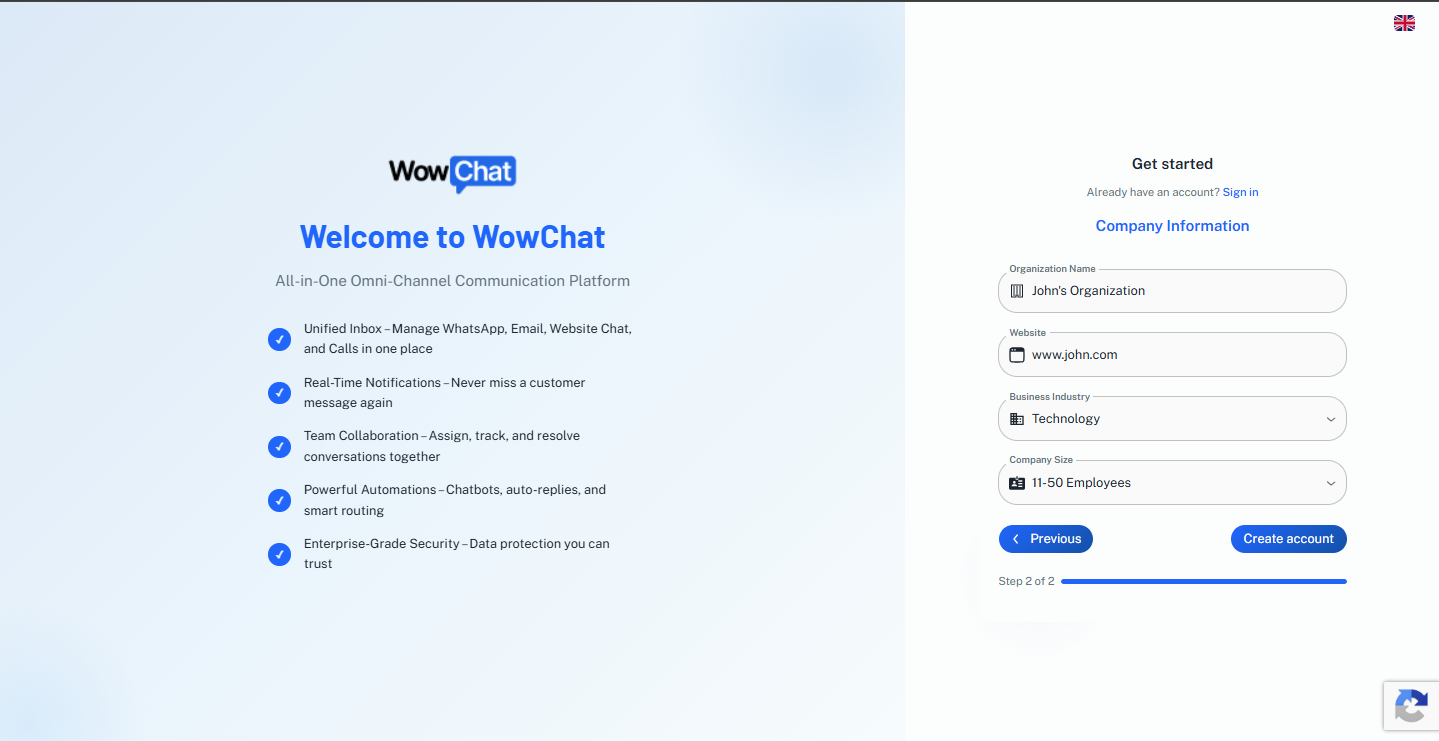
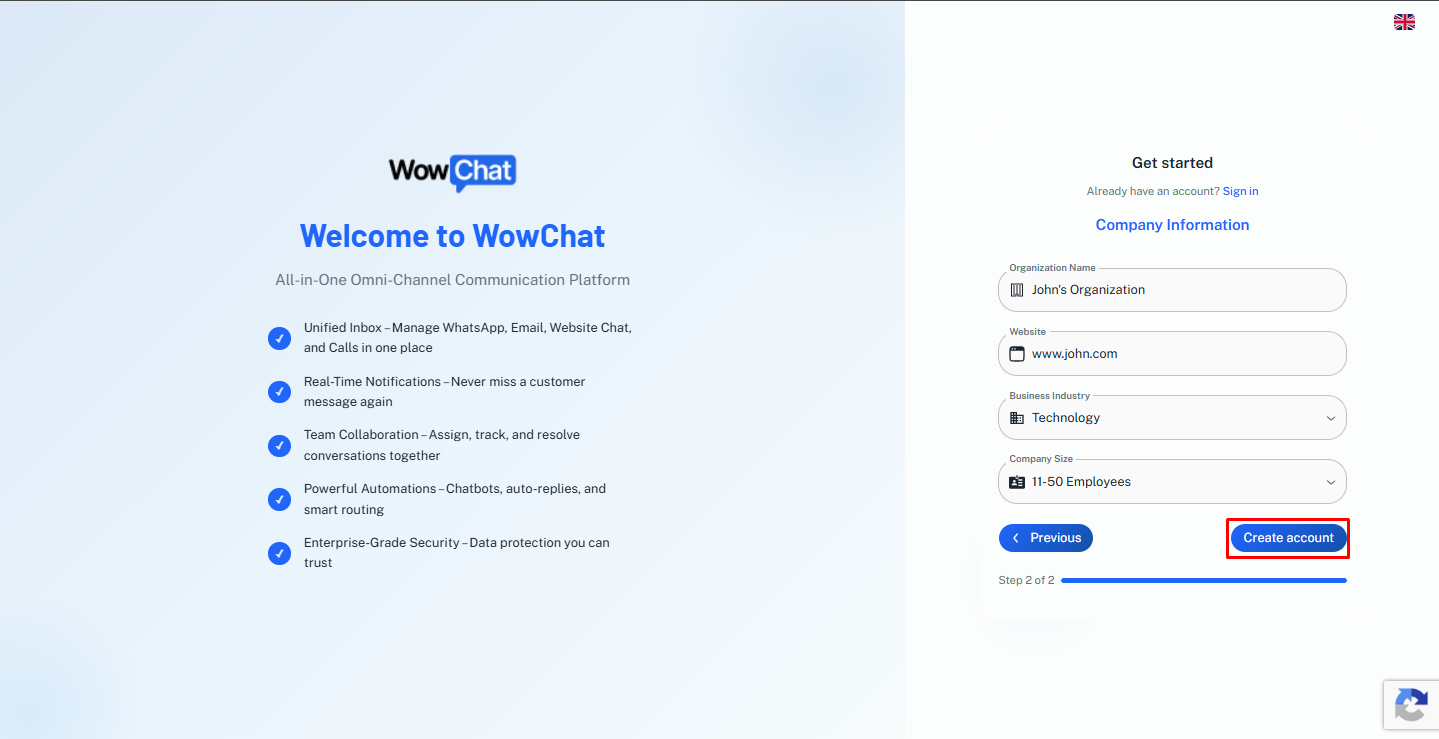
Step 6: Create Your Workspace
Once all information has been entered, click the Create Account button.WowChat will create your workspace and configure your organization environment.Please wait a few moments while the setup process is completed.
Step 7: Sign In to Your Workspace
After your workspace has been successfully created, log in using the email address and password you provided during registration.You can now start connecting channels, inviting team members, and managing customer conversations from your WowChat workspace.
After Creating Your Workspace
Once your workspace is active, you can continue enhancing your setup by:
- Creating teams and departments
- Configuring automation workflows
- Setting up routing rules
- Customizing notifications
- Monitoring analytics and reports
- Managing user permissions
These additional configurations help optimize your customer communication processes as your organization grows.
Benefits of a Well-Configured Workspace
A properly configured workspace helps your organization:
- Centralize customer communication
- Improve team collaboration
- Reduce response times
- Increase operational efficiency
- Maintain organized customer records
- Scale customer support operations effectively
Frequently Asked Questions (FAQ)
A workspace is your organization's dedicated environment within WowChat where conversations, channels, users, and settings are managed.